Raise Education was built to make education saving simpler at a time when many 529 plan providers were harder to use and gifting was more cumbersome for families and loved ones. Over time, the direct experience available through plans like my529 improved. Families can now access the core account and gifting tools directly through their plan provider, often with the same or better functionality and without Raise sitting in the middle.
Because of that, Raise Education is being sunset. Your underlying my529 account remains in place, and your 529 funds remain invested there. The main change is that as of March 31, 2026, new contributions, gift contributions, and recurring contributions set up through Raise will stop on the Raise platform. If you want to make future contributions to your 529 plan, set up recurring contributions, or share your beneficiary’s account with friends and family, you’ll need to do so directly in my529.
This guide walks you through how to sign in, contribute directly, turn on gifting, and share your beneficiary’s gift page or gift code with friends and family.
Before you begin
- Go to my529.org
- If you are not sure whether you are on my529 or NY Saves, refer back to that email before continuing.
Sign in to my529
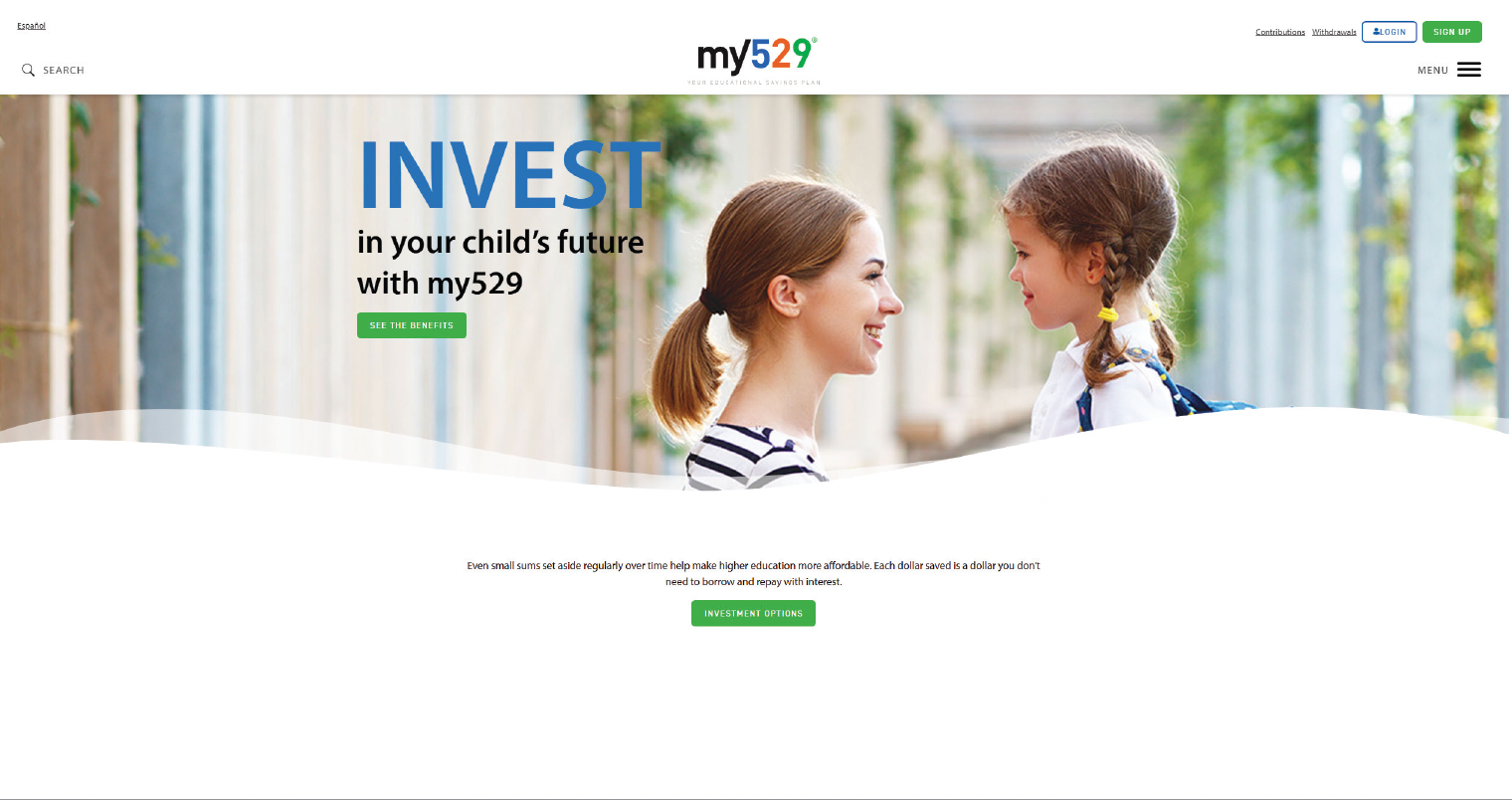
1. Go to the my529 homepage, or use the direct my529 link from the Raise email.
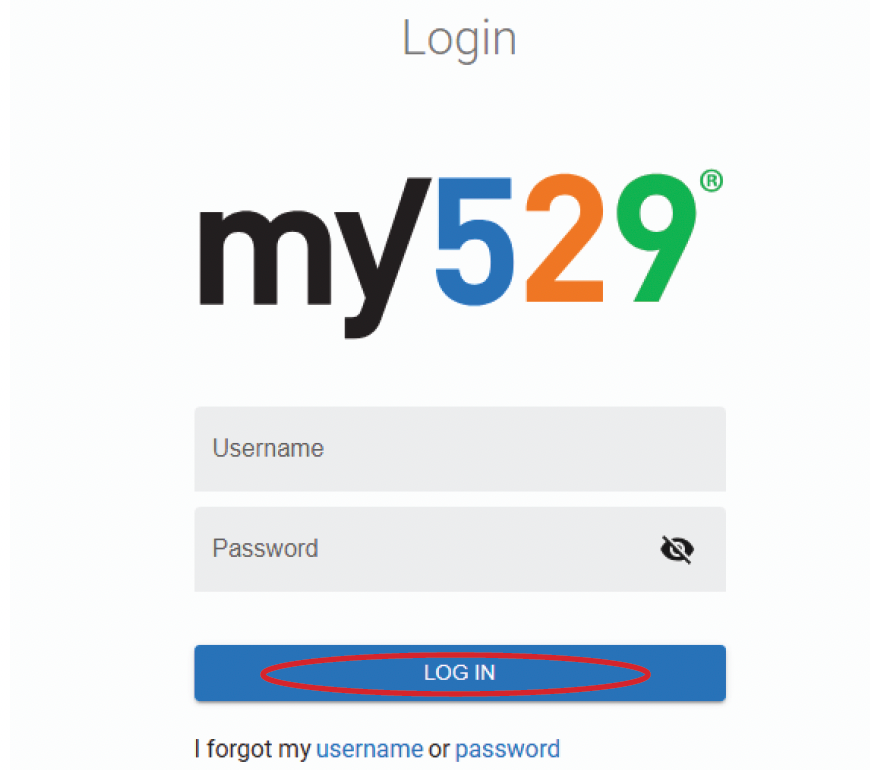
2. Click Login, or go directly to the my529 login page and click Account Login
3. Click Don’t Have a Login?
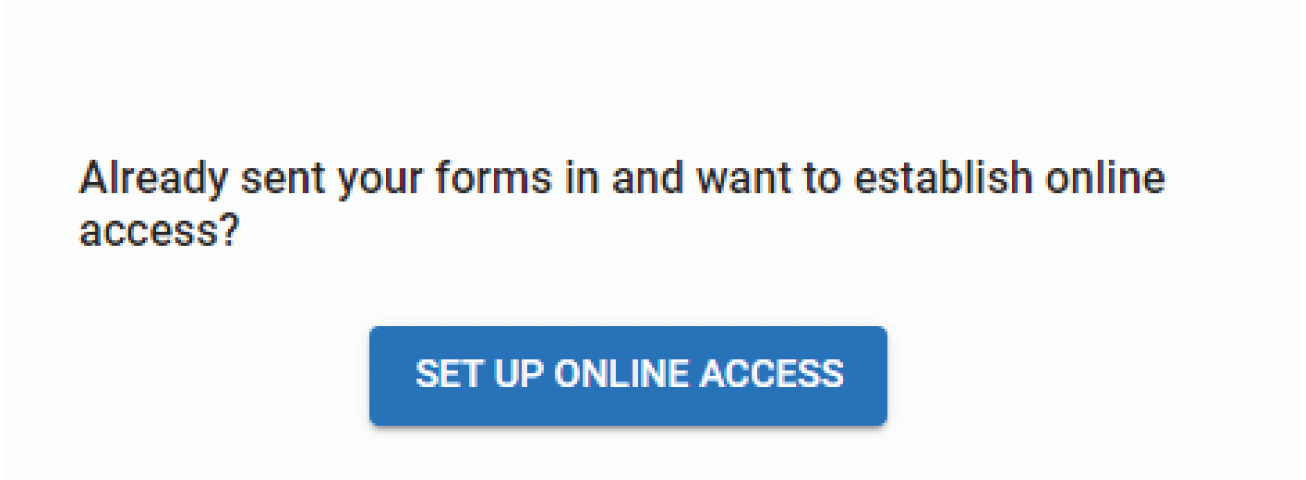
4. Click Set Up Online Access
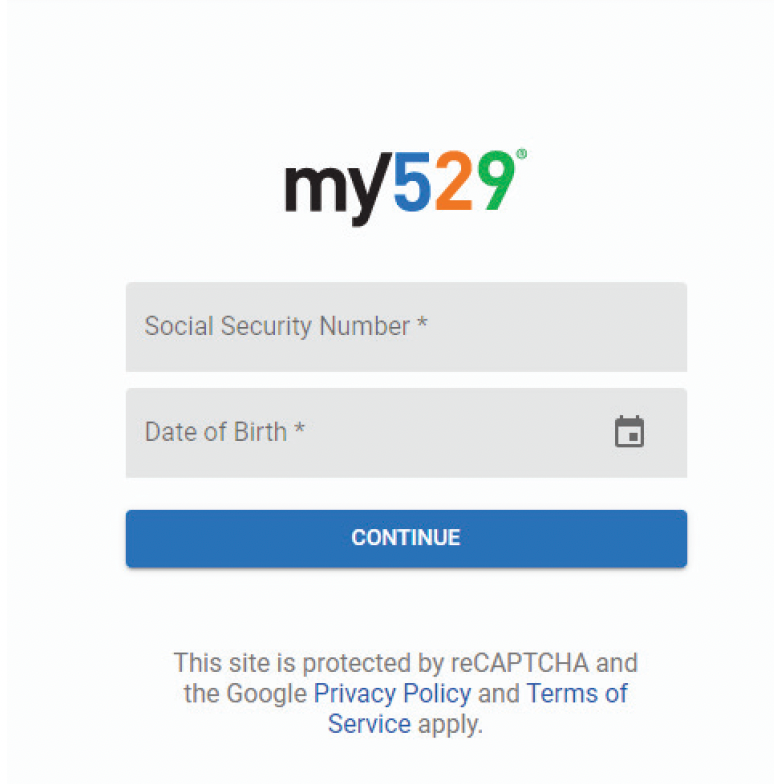
5. Fill out your personal information and click Continue.
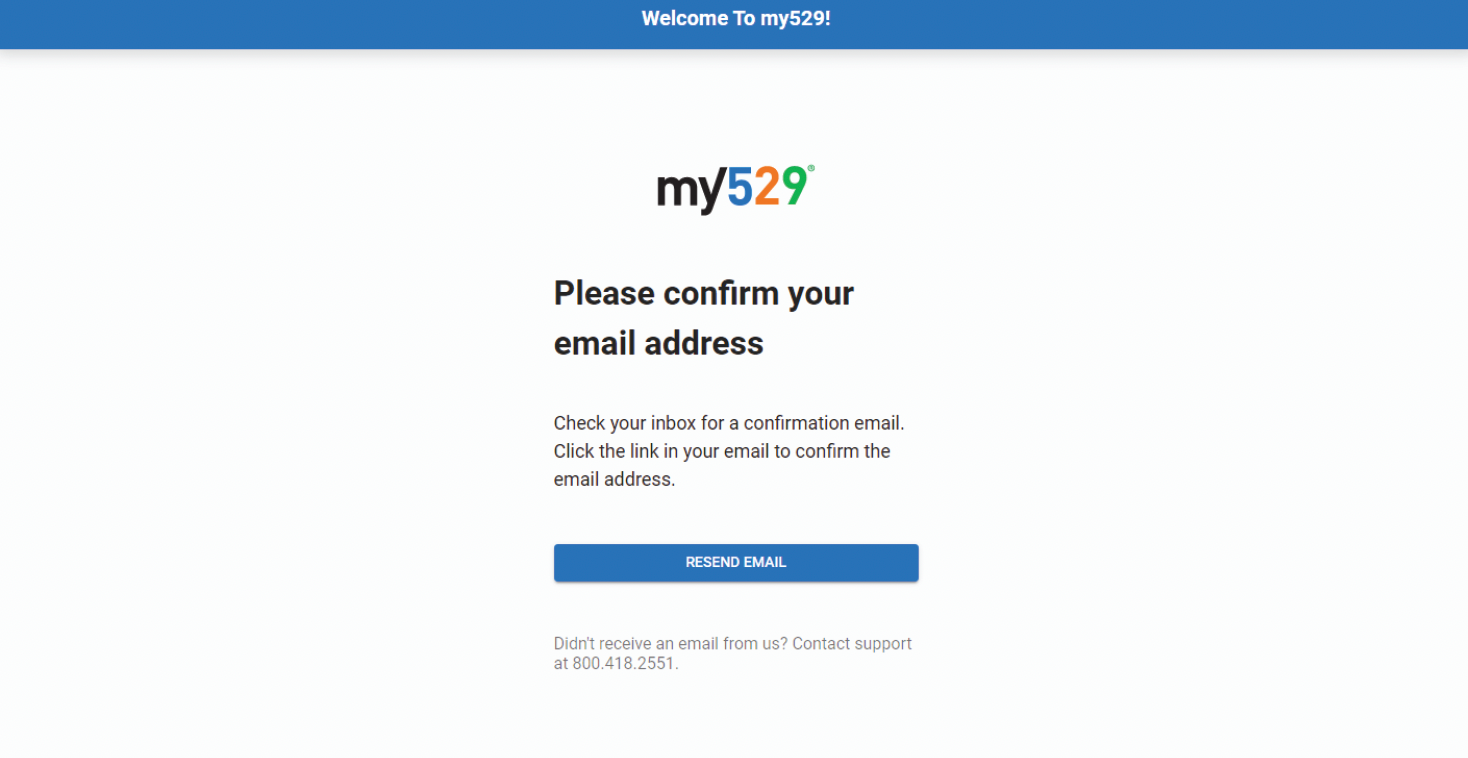
6. Establish a username and password, and provide an email address. An email will be sent to that address for verification.
7. Finalize the registration process through that email address.
My529 homepage and account login.
my529 login screen.
Follow the onscreen prompt to set up online access.
Fill out your personal information.
Email confirmation screen.
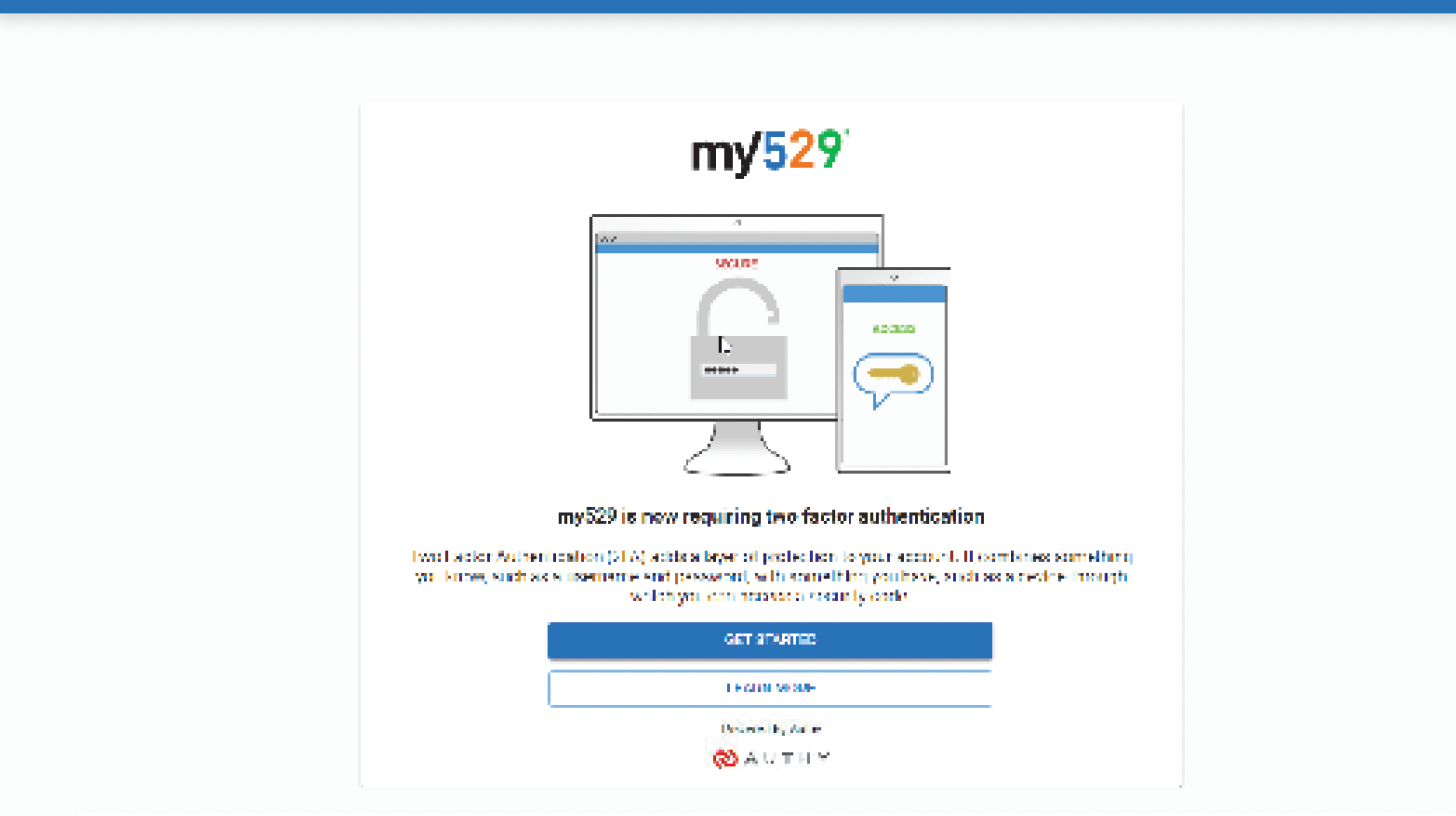
Two-Factor Authentication
You must establish two-factor authentication (2FA) to use your my529 account. 2FA requires my529 account owners to use two different verification methods, such as a password and a one-time security code, to access their online account(s). Registering for 2FA occurs when an account owner logs in for the first time. To register, account owners will need to submit a phone number and choose their preferred verification method:
• Text
• Phone Call
• A random code generator like Google Authenticator
• Authy authenticator app, which can send a code or push notifications.
Two-factor authentication setup page.
Contribute to your beneficiary’s account directly
my529’s public contribution walkthrough uses the Contributions path from the dashboard. Exact labels can still vary slightly by account view.
1. From your account dashboard, click Contributions on the dashboard or use the transaction (dollar sign) icon on the left.
2. Select Contributions and choose your beneficiary’s account.
3. Choose the one-time or recurring option shown on screen.
4. If recurring is selected, enter the contribution amount and bank account details.
5. Choose how often to contribute - monthly or twice monthly - and enter the start date. If shown, an optional end date can also be entered.
6. Review the details and submit the contribution.
You also have the option to fill out a
Form 205 to set up a payroll contribution, or
Form 225 to submit a wire transfer notification prior to initiating the transfer.
Turn on gifting for your beneficiary’s account
my529 public materials use both Gifting and Gift Program as labels for this flow.
1. In your my529 account, click Gifting or Gift Program in the left-side navigation.
2. Toggle the option from disabled to enabled, or activate the gift page if the page prompts for that step.
3. Click Manage to open your personal gift page.
4. If desired, add a photo or customized message on the gift page.
5. Copy your personal gift page link and the unique gift code shown on screen.
Share your link or gift code with friends and family
my529 notes that the gift code lasts for the life of the account, so it can be reused for future birthdays, holidays, and milestones.
1. Share the personal gift page link by email, text, or social media.
2. If preferred, share just the unique gift code.
3. If a printable option is needed, use the gift notice or gift contribution coupon available from the gift page.
How friends and family contribute
my529 says most online gift contributions can be made with a debit card and that any processing fee is shown during checkout.
1. Click the personal gift page link you shared, or go to the my529 Gift Program website.
2. If starting from the general gift site, enter the gift code to open the beneficiary’s personal gift page.
3. Choose how to contribute.
4. Complete the contribution online, or print the gift contribution coupon and mail a check.
There is a wide range of gift notices (digital greeting cards) for gifters to select from if they wish.
View gifts later
Exact placement can vary by account view.
1. Log in to your my529 account.
2. Open the gifting area for your beneficiary’s account.
3. View gifts made through your gift page from your online account.
Need help?
Live support: Click the pink icon in the bottom-right corner of any page on our website
www.raisefinancial.com for help.
Official links used in this guide